
YOUR LOCAL CONNECTION
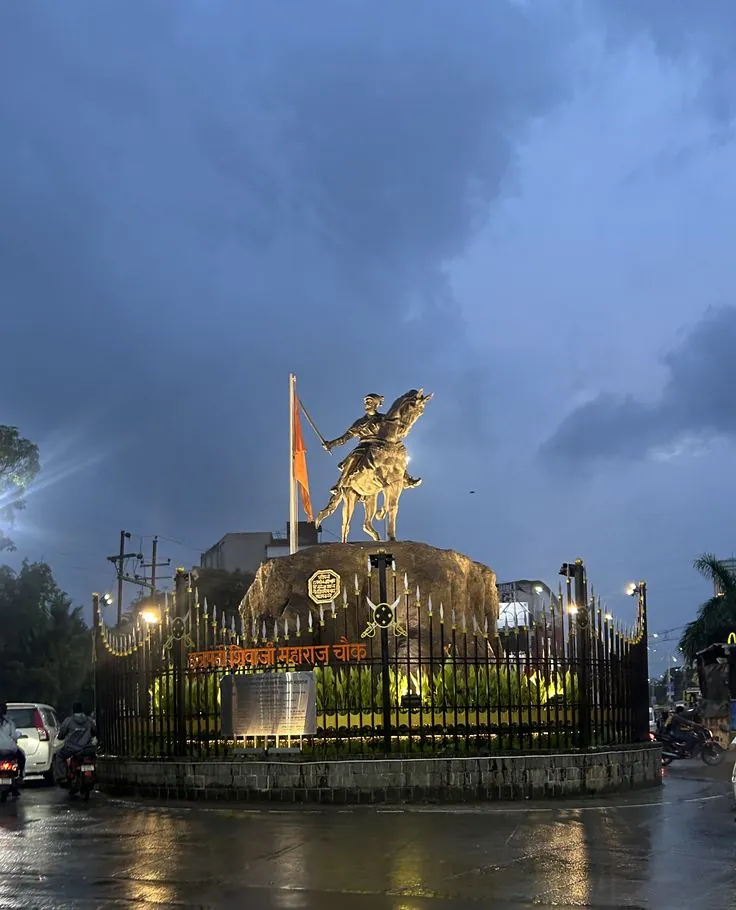
Bhosari
MIDC Bhosari, Bhosari Gaothan, Landewadi & more
Explore BhosariArea listing is a starting point. Our team confirms availability for your exact address.
Fibre for a brighter tomorrow
A 100% fibre network for Pune and PCMC. Built around your neighbourhood, engineered for everyday life, and watched over by our 24×7 NOC.
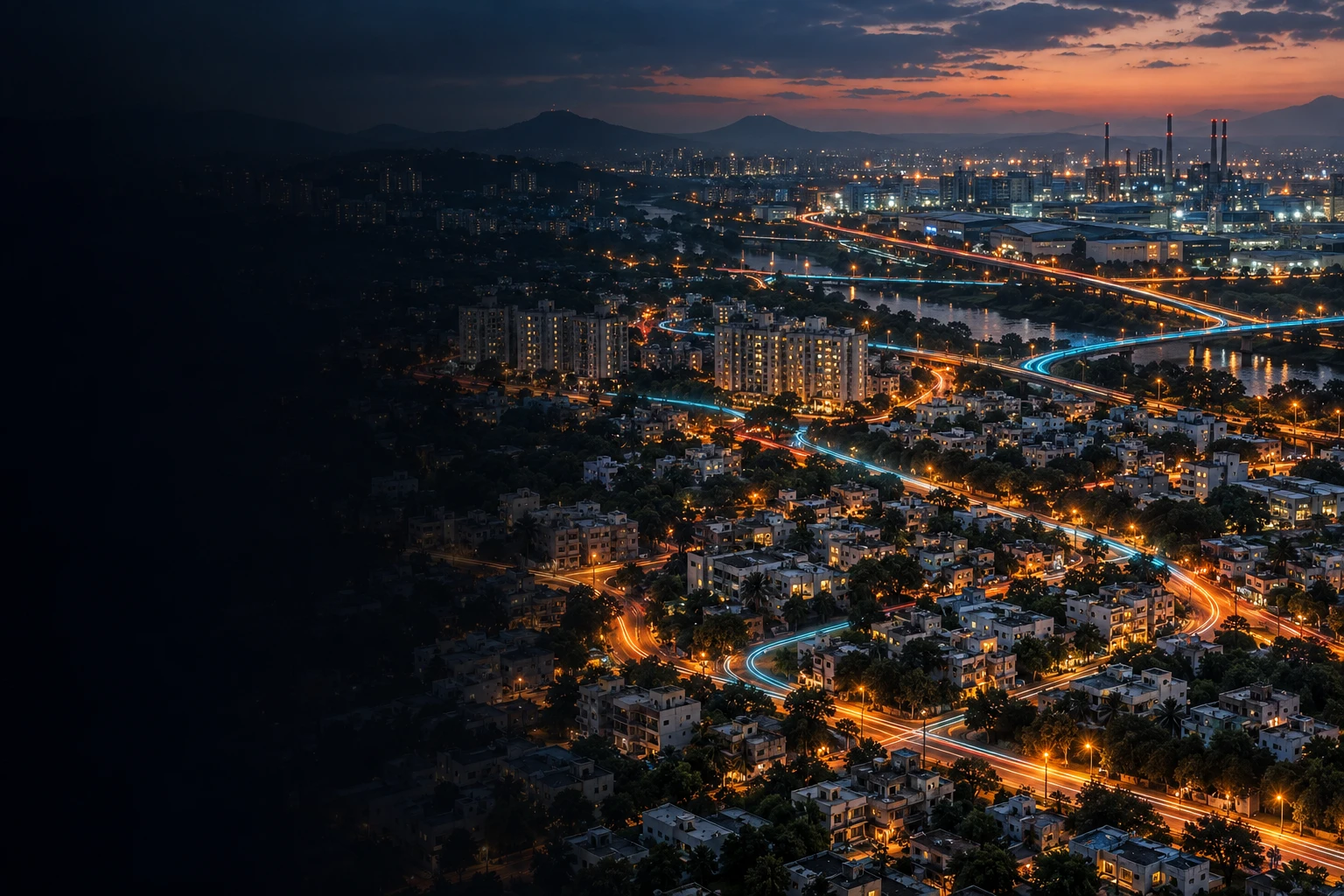
OUR HOME. OUR STREETS. OUR NETWORK.Conceptual city artwork and network paths. Check availability for your exact building.
Network figures apply company-wide. A listed neighbourhood does not confirm availability at every building.
01 / The connection behind your connection
One connected journey. Explore the equipment, fibre and local access behind your connection. Choose a stage to see how it works.
Websites, cloud platforms and streaming services reach the local network through upstream connectivity and internet exchanges.
Simplified architecture. The NOC monitors the network; customer traffic does not pass through it. Equipment roles are shown conceptually, not as an inventory of installed hardware.
04 / The final stretch
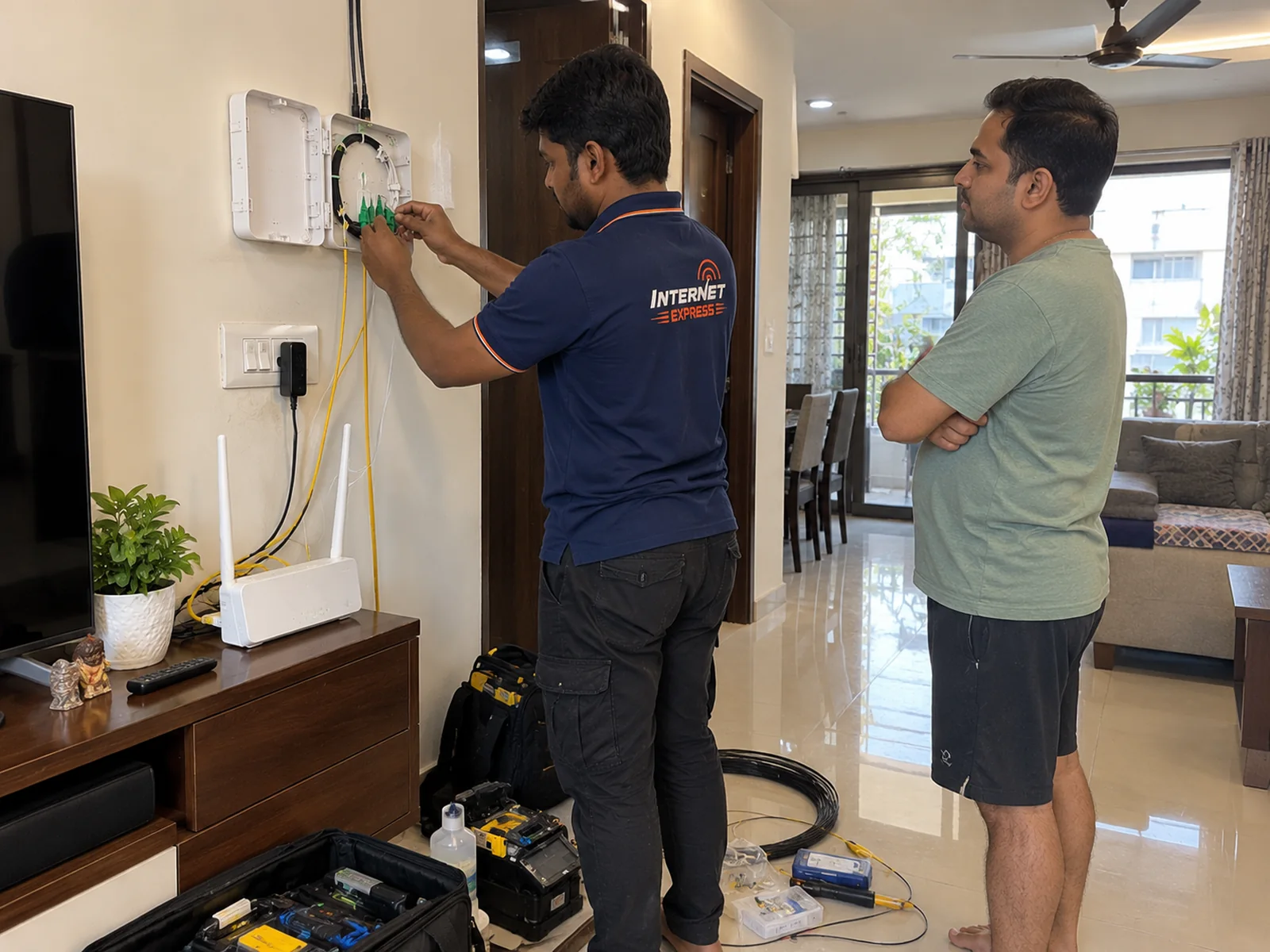
The fibre journey does not stop at the street. It continues through your building to the optical terminal in your home.
 THE CONNECTION INSIDE YOUR HOME
The OLT feeds the distribution network. Splitters and distribution points direct fibre toward the premises they serve.
The entry route and riser are agreed with the people who look after your building.
A dedicated drop reaches your flat or unit. The fibre is joined and terminated at the optical network terminal.
The ONT converts light to Ethernet. Your router provides Wi-Fi. Walls, distance and router placement still affect wireless performance.
Make the most of the connection inside your home. Read the Wi-Fi placement guide ↗
02 / Resilience you can understand
A protected ring gives traffic another direction around a shared-link fault. Try a failure below to see both the protection and its limits.
Choose a scenario
Traffic follows one side of the ring to the access point, then a single fibre drop into the premises. The other ring direction remains available.
On a protected span, traffic can take another direction. A cut cable still needs an on-site repair to restore the ring.
A home-drop fault needs repair. Protection depends on the fault location and network design; no switching time or uninterrupted-service promise is implied.
THE MATERIAL THAT CONNECTS US
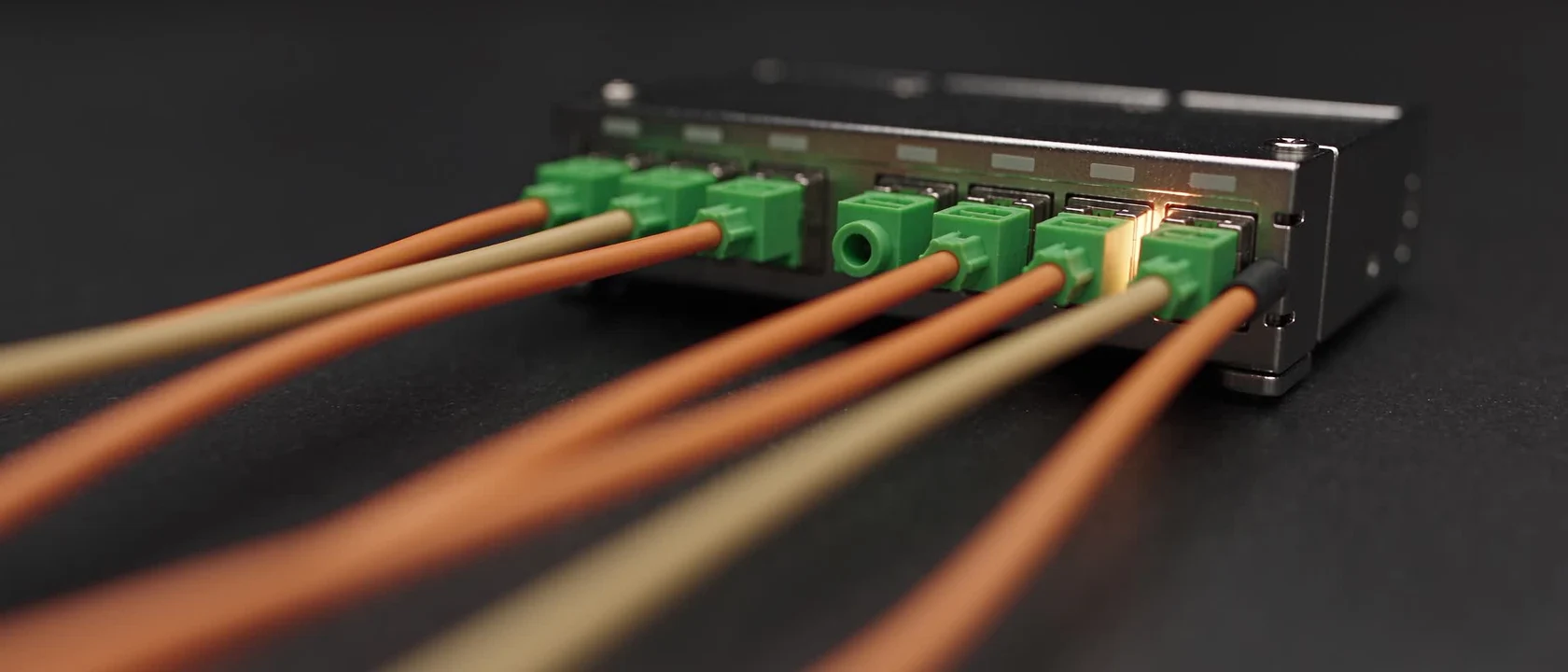
A closer look at the technology behind your connection. A cinematic fibre study, created for Internet Express.
LIGHT. PRECISION. CONNECTION.Every connection
starts with light.
AI-generated engineering film.
A visual explanation, not footage of installed Internet Express equipment.
Explore the architecture below to follow the complete route to your home.
03 / Local by design
Thirteen neighbourhoods across Pune and PCMC, each with its own streets and connection requirements. Start with yours, then check your building.
MIDC Bhosari, Bhosari Gaothan, Landewadi & more
Explore BhosariArea listing is a starting point. Our team confirms availability for your exact address.
Illustrative local network model, not a live digital twin. Locality images are shown for orientation; lines do not represent surveyed fibre routes.
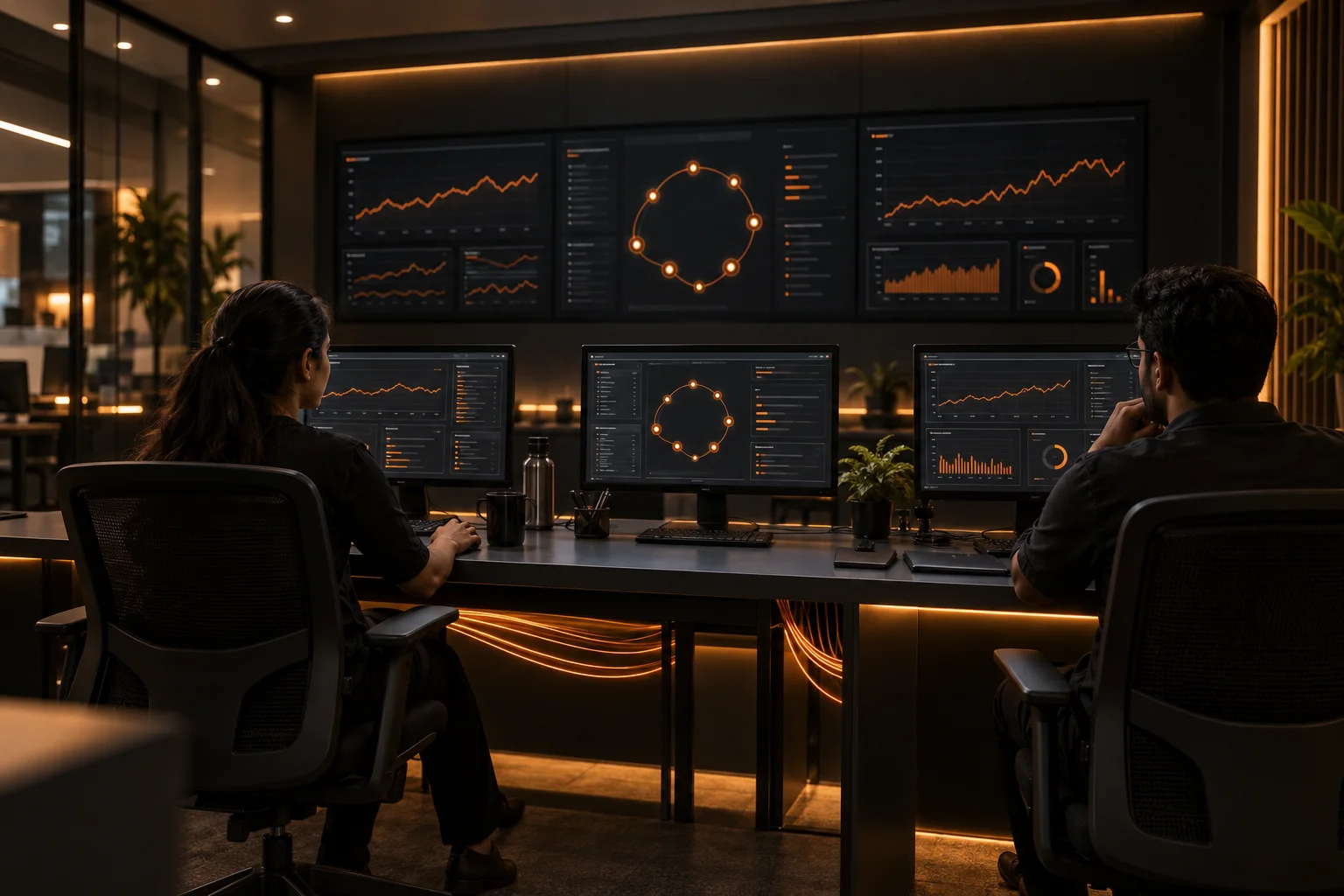
24×7 network operations centre
A network needs more than good fibre. It needs people watching what the fibre is doing.
Equipment and link signals are watched continuously by the network operations centre.
AI-assisted detection helps flag behaviour that may indicate a fault. Engineers assess the event and its impact.
The affected network section guides the next step, from checking an alternate path to arranging field repair.
The NOC monitors the network. For your connection, billing or an engineer visit, contact customer support ↗.
Local service engineering
Local service is about understanding the streets, reaching the fault and completing the repair. Here is the engineering behind that response.
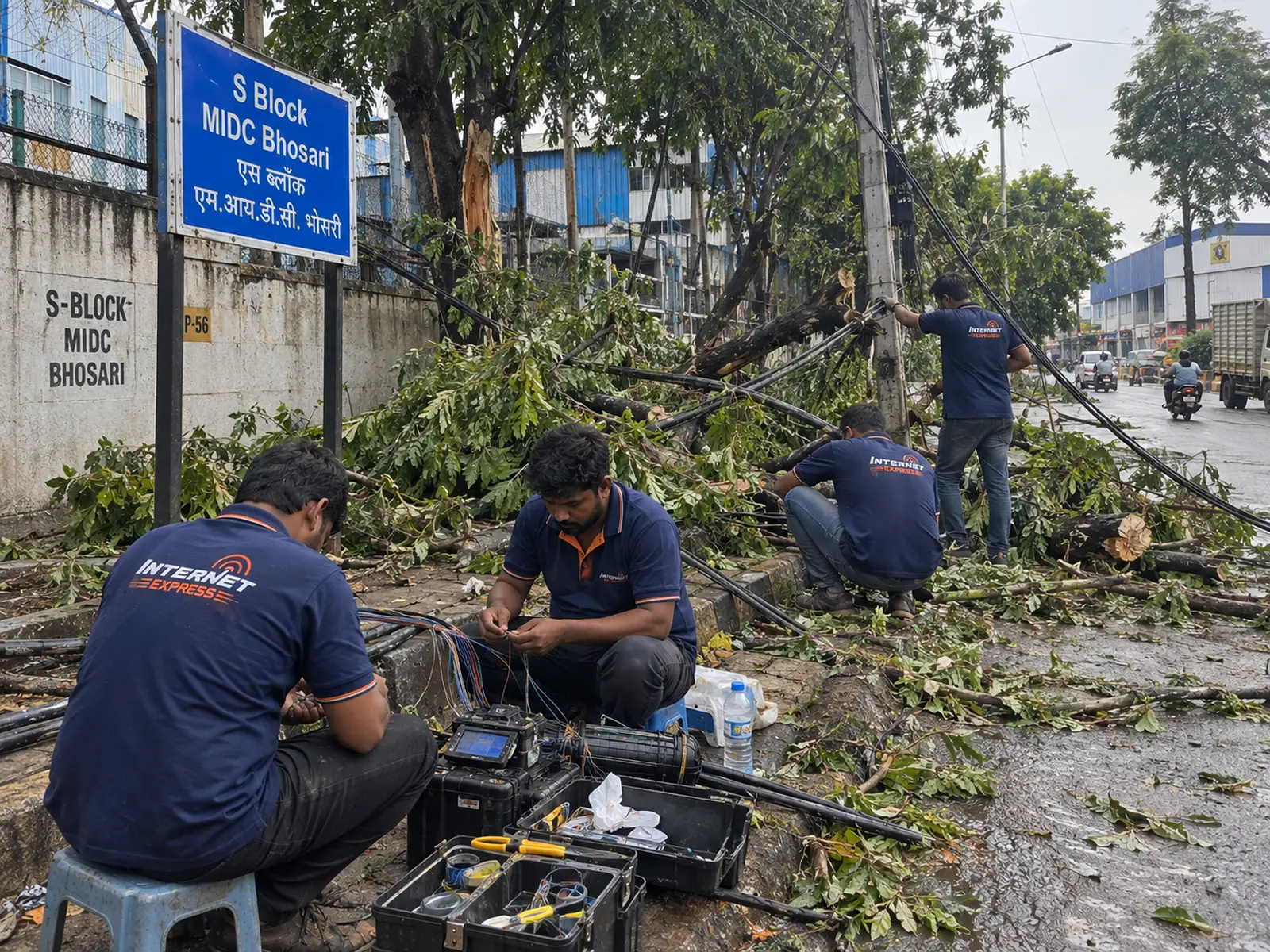
Network checks and optical testing help narrow down a break or poor joint before the repair is planned.
The damaged stretch is accessed and the fibre ends are fusion-spliced so light can pass through the joint.
Optical checks help confirm the repaired connection. A ring-span repair also restores the network’s alternate route.
Restoration depends on the fault, site access and work required. No fixed recovery time is promised here.
The people on the other end
Working from home. Learning something new. Calling the people who matter. Explore your neighbourhood and the local service behind it.
07 / Straight answers
What the architecture means for your connection, without the fine-print surprises.
A ring is a network built as a loop rather than a line. If a loop is broken in one place, there is still a way round it. Where a fault falls on a protected span, traffic can travel the other direction instead of stopping.
No. The final stretch from our access equipment to your building is a single path. Ring protection applies to the shared network behind it, not to the individual drop into each home, which is why a fault in that last stretch is repaired rather than routed around.
Yes, that can still happen. Protection depends on network design and on where the fault occurs, and some faults have to be repaired before service returns. What the network is built to change is how quickly a problem is noticed and how much of the response has to wait for a person.
It reads the stream of signals coming back from network equipment and links, separates ordinary variation from behaviour that looks like a fault, and raises the ones worth a human's attention with the affected part of the network already identified. It does not decide the repair, and it does not predict every outage.
They are two different jobs. The network operations centre watches the network around the clock. Questions about your own connection, billing or an engineer visit go to the support team, and the contact page has the current ways to reach them.
It describes the core of the network rather than the line to your flat. The middle of the network is built with room above what the current plans draw, so headroom is added before customers start feeling a ceiling. It is not a speed you can order.
It is the access generation after the one most fibre homes run on today, and it raises the shared capacity available on a fibre line. Saying the access network is XGS-PON ready means the path is there when it is needed, not that every connection runs on it now.
It can be arranged on request, per connection, after a survey. It is not sold from the published plan list because what is deliverable depends on the premises and the route to it. Ask through the business enquiry and you will get a written answer.
The next connection could be yours
Start with your area. Our local team will check the connection to your building.
Prefer a conversation? Speak to our local team ↗