

Internet Express field notes
Useful things from the network under your street.
Practical explanations for choosing, installing and using fibre broadband across Pune and PCMC.
Read the latest note ↓From the network this season

Fibre in your neighbourhood
Send your address and we will check your building, not your pincode.
Before choosing a broadband plan, check the route to your home.
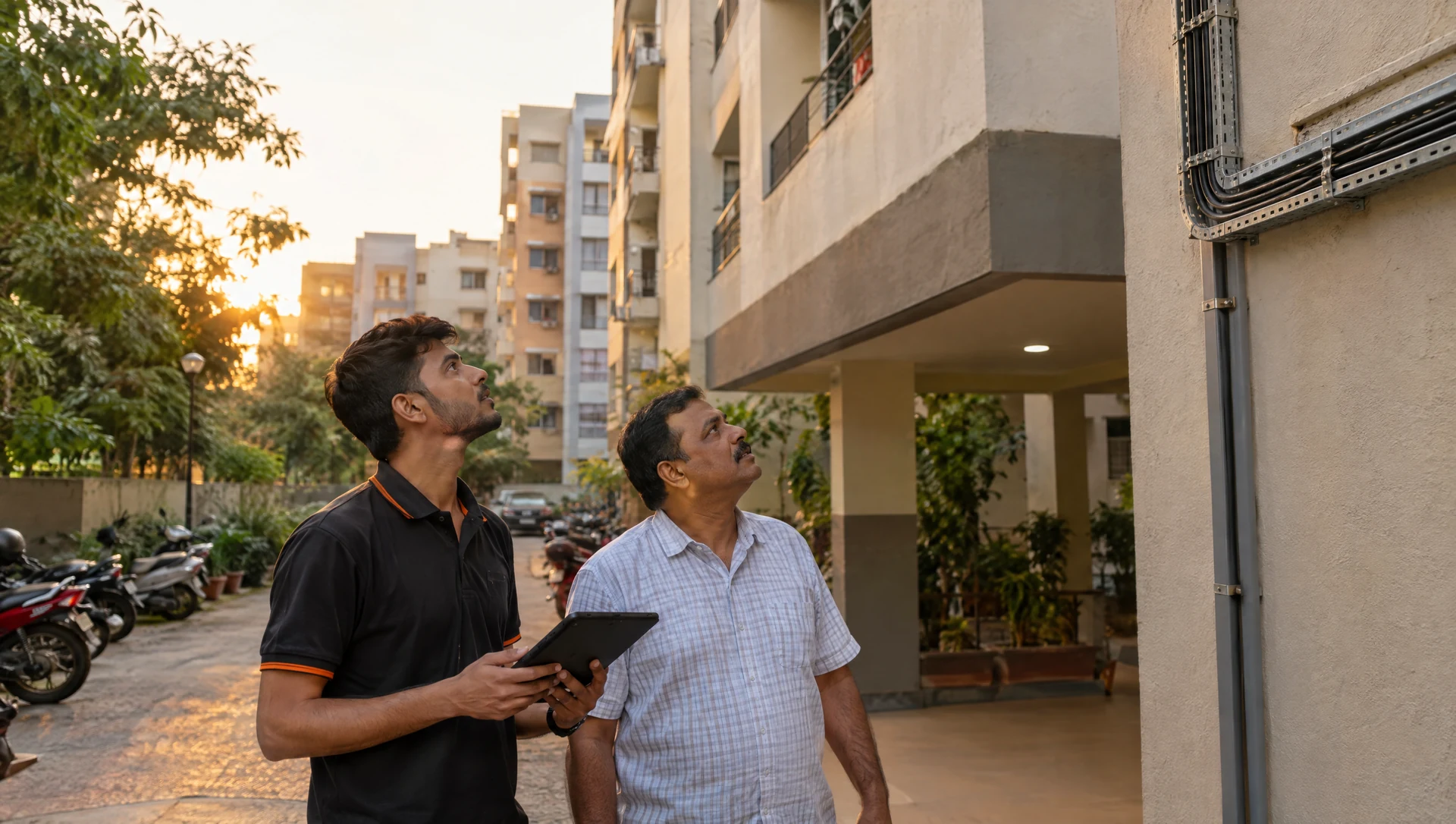
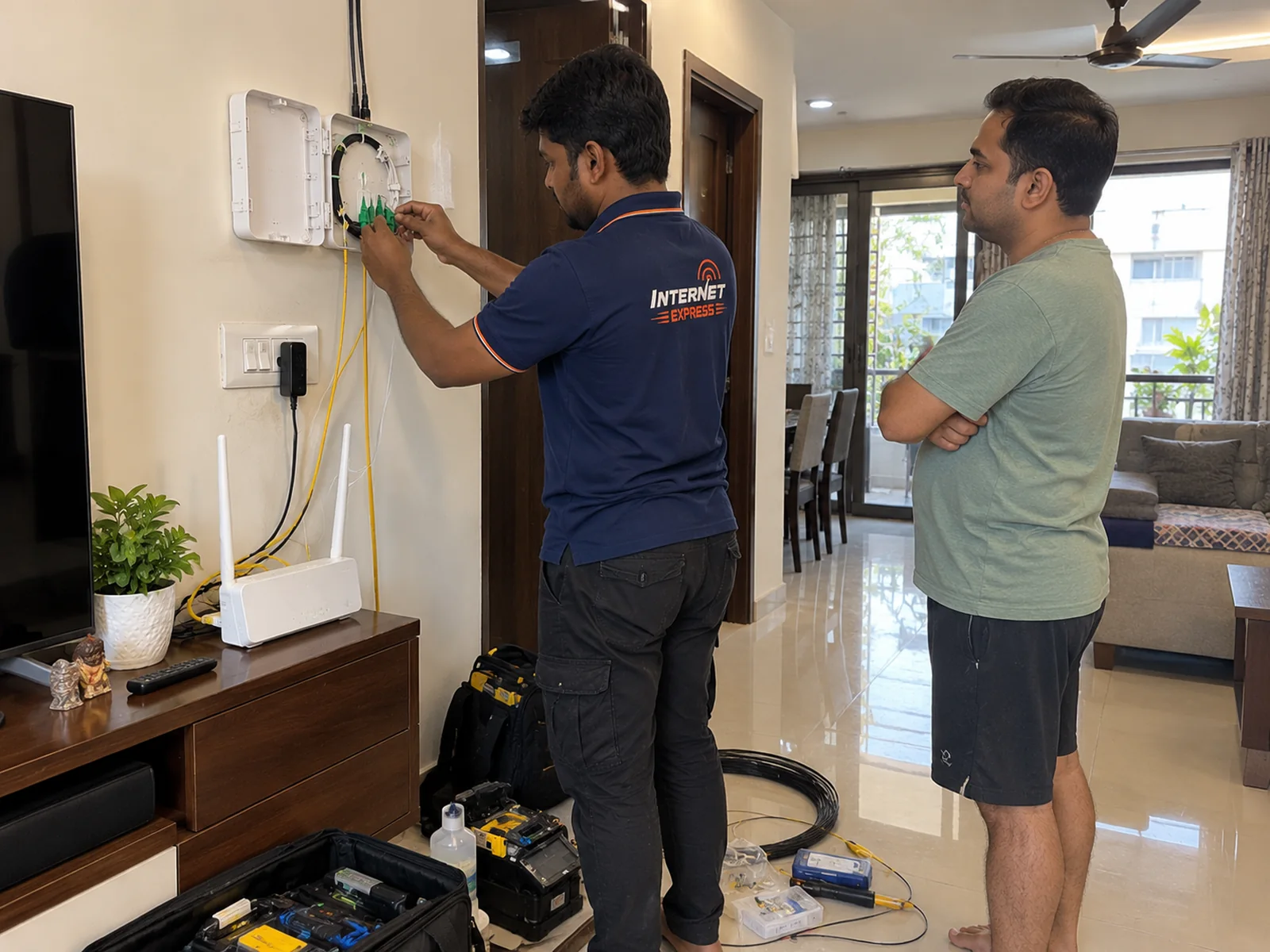
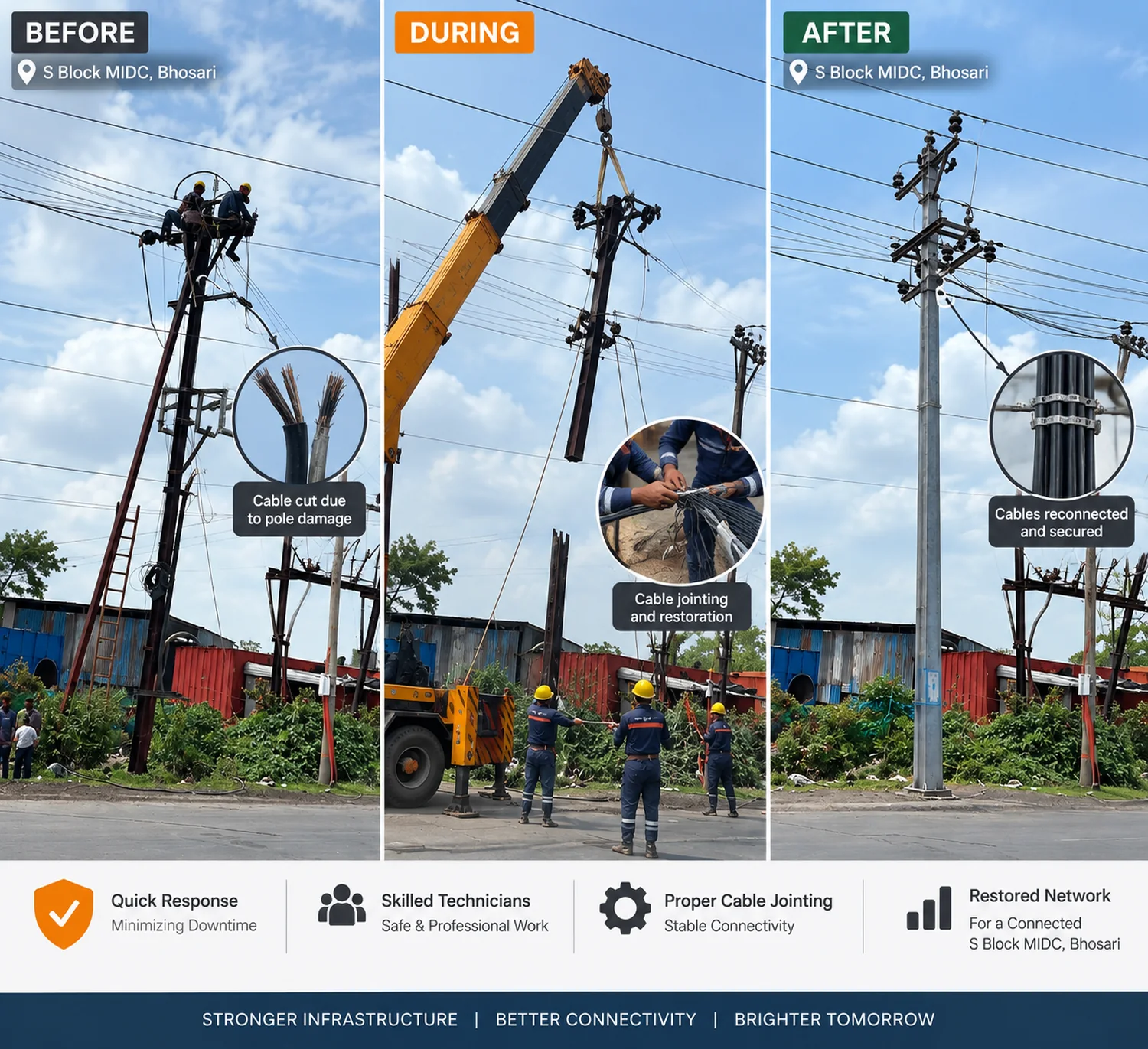
A speed number matters only after the fibre can reach the building cleanly. In Pune and PCMC, society access, the nearest distribution point and an internal cable route all affect what can be installed.
Start with the full building name, wing, locality and a nearby landmark. That gives the team the right context to check the route before promising a date. It also avoids confusing nearby societies with similar names.
Check my building address ↗- Check the exact buildingA listed locality helps identify the address; the building is the final availability check.
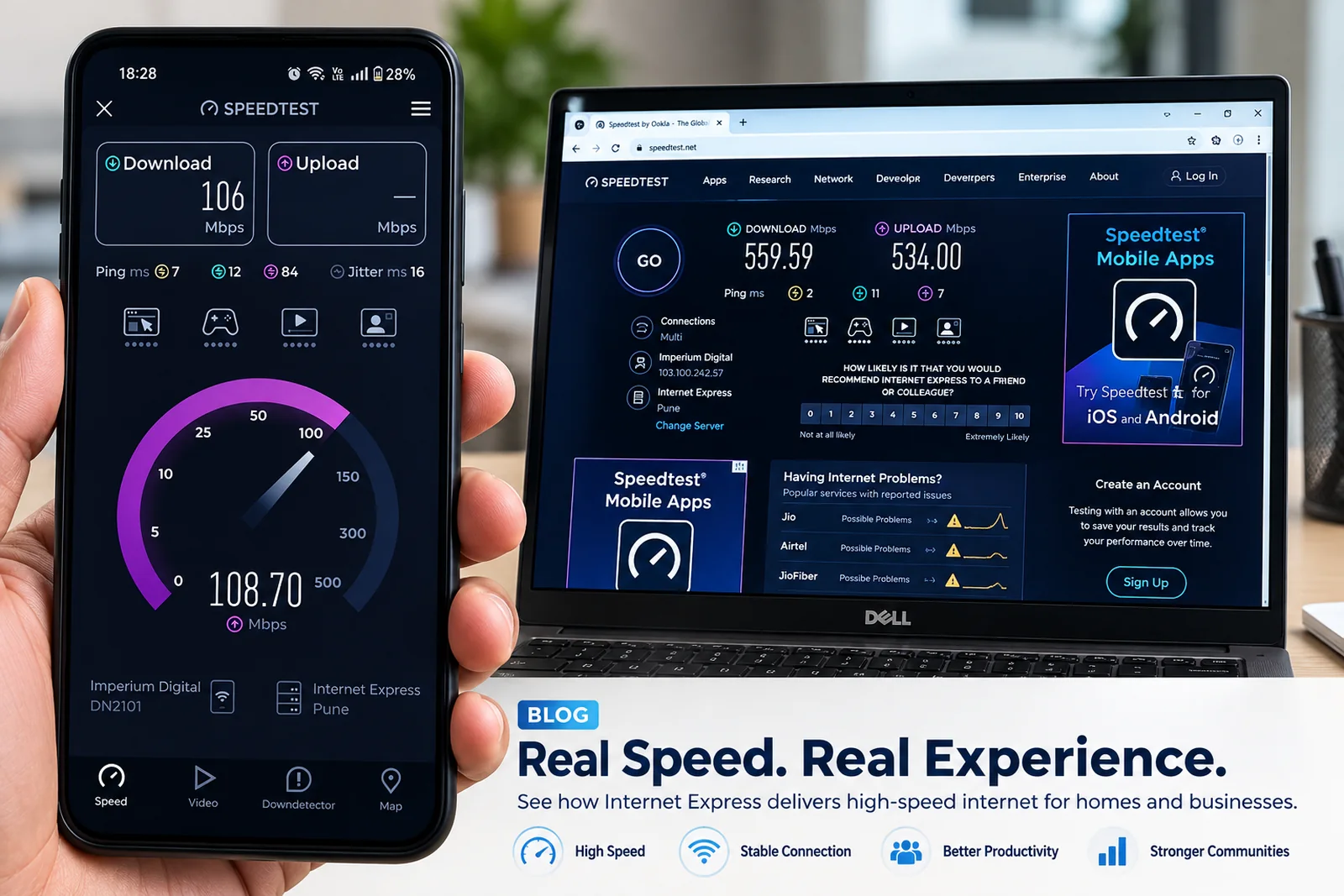
- Choose speed for real useConsider people online, video calls, streaming, uploads and Wi-Fi coverage in the home.
- Place Wi-Fi with intentKeep the router open and central where possible; walls and distance affect wireless coverage.