Broadband Installation at Home: What Happens, and the Three Decisions Worth Getting Right
Survey, cable route, fibre box, router and testing. What actually happens on installation day, what to keep ready, and the router decision that decides how good your Wi-Fi is for years.
A fibre installation is not complicated, but it is physical work in your home, and a few decisions made on the day affect how well the connection serves you for years. Here is what happens, step by step, and the three decisions worth a few minutes of thought.
Before the day: feasibility
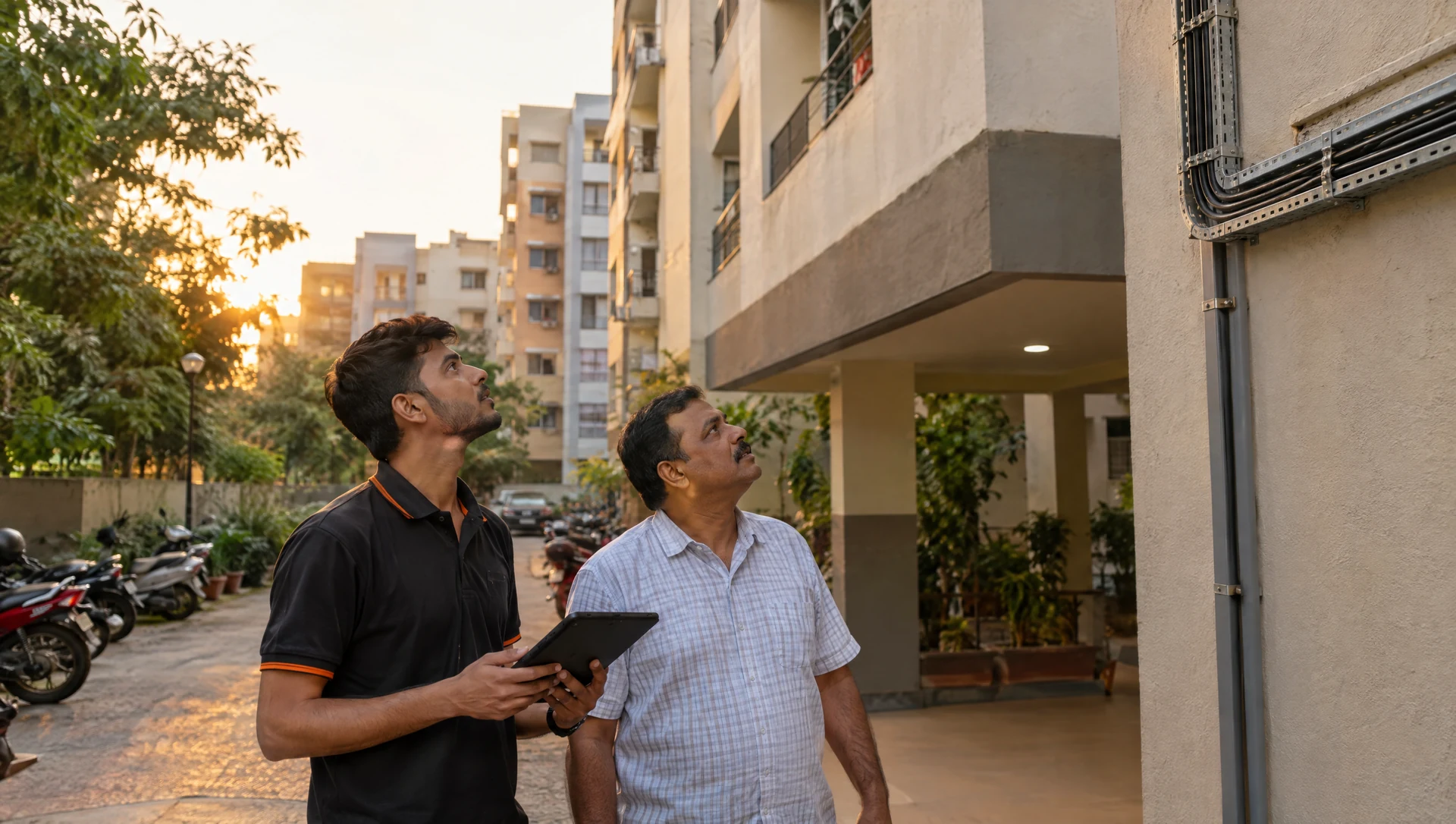
No installation date is booked until your building has been checked. The team confirms there is a feasible route from the nearest distribution point to your building, and from the building entry to your flat. Many societies require written permission from the committee before any cabling in common areas. Where that applies, you are told at this stage and can be given the documents the committee needs. Getting the permission itself is the resident's part. See the installation policy for the full detail.
On the day: five steps
1. Walk-through
The engineer looks at where the fibre will enter the flat and where the equipment will sit. This is the moment for the decisions below — do not rush it.
2. The cable run
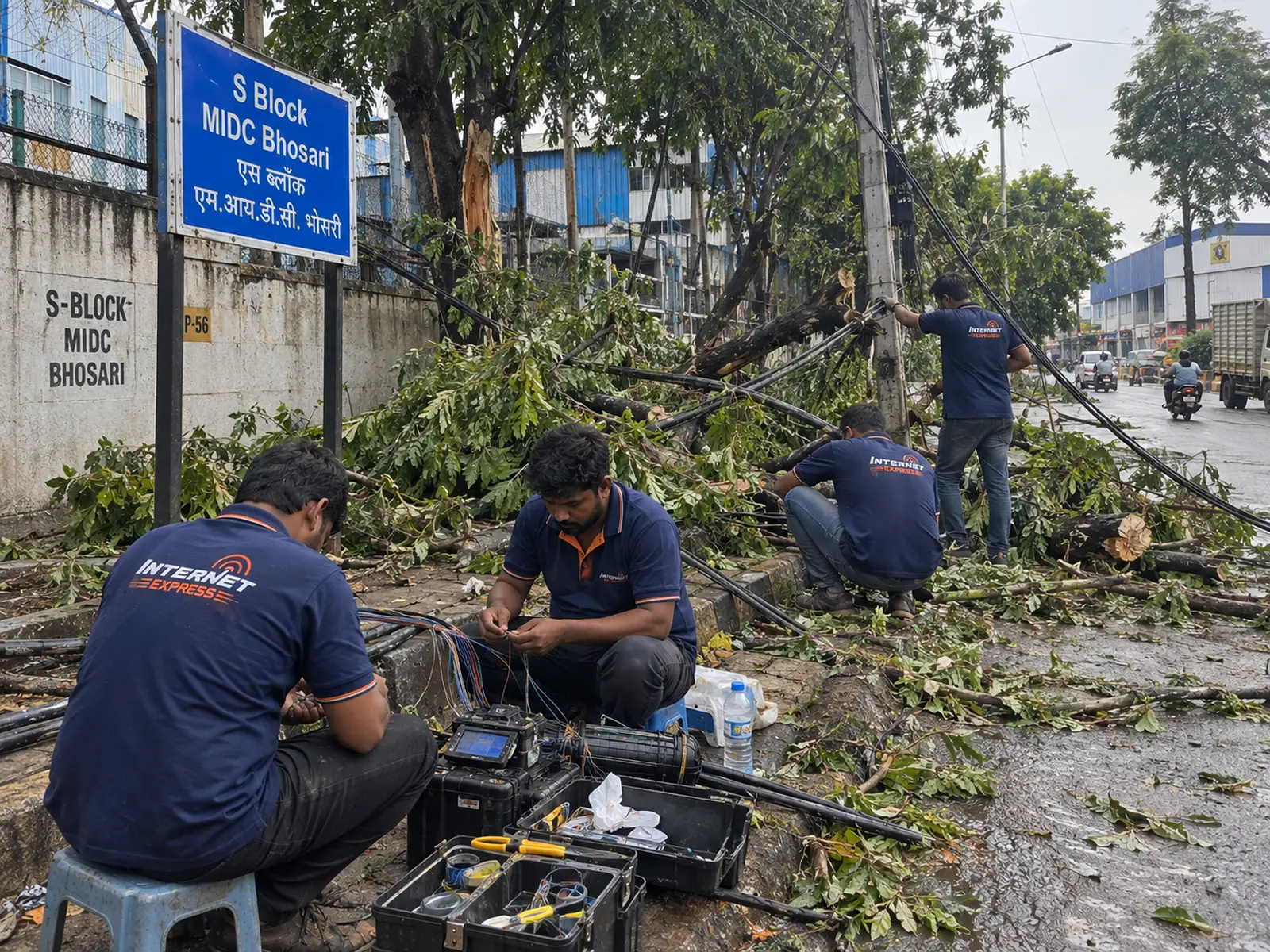
A single fibre drop runs from the building's distribution point, usually along the riser or corridor, into your flat. A standard run is included. Extra conduit, unusually long internal runs or drilling through finished interiors is quoted and agreed with you before any work starts.
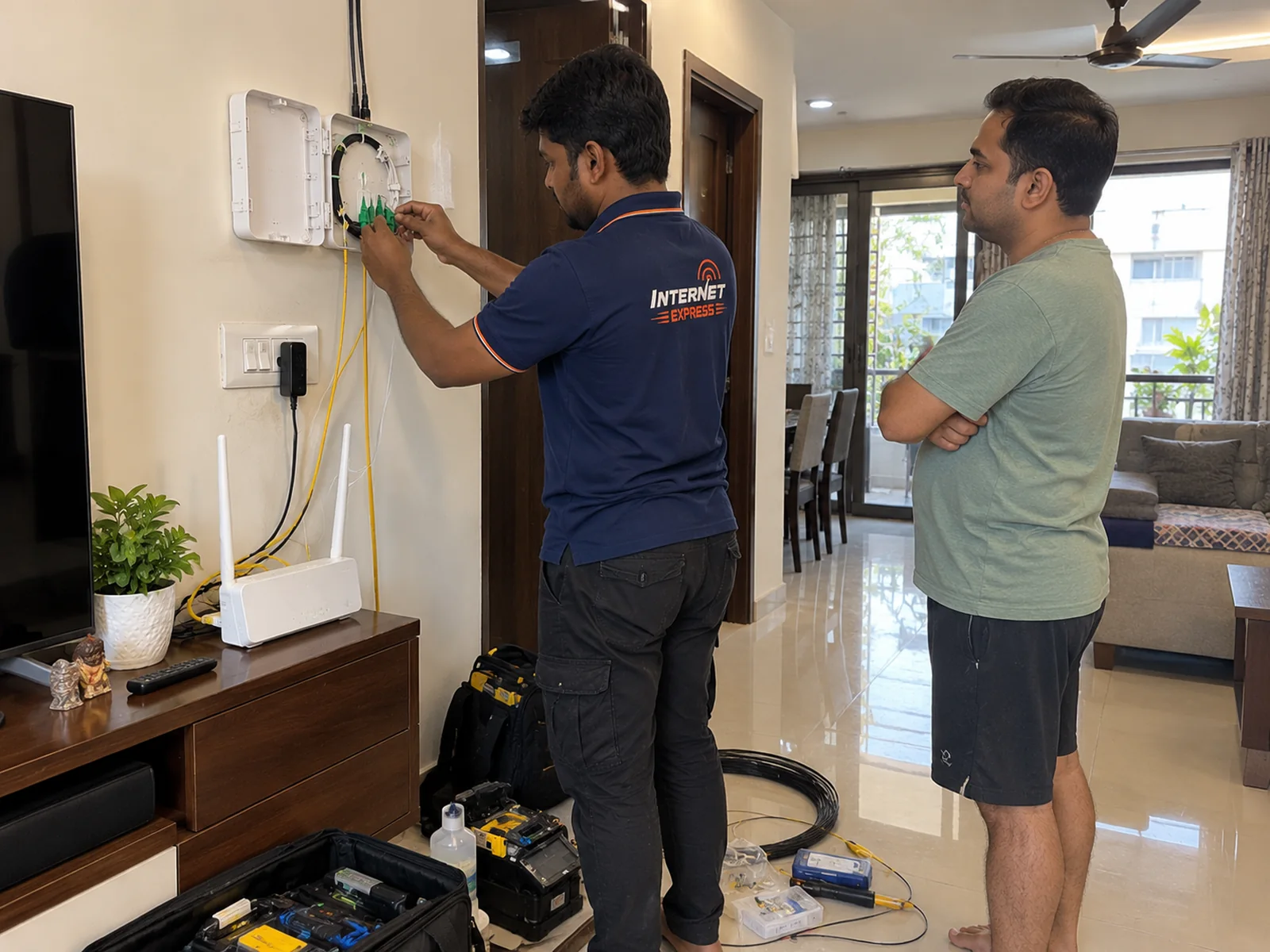
3. Termination and the fibre box
The fibre is joined and terminated at the optical network terminal (ONT) — the fibre box. It converts light into an ordinary network connection. Once it is fitted, it should not be moved or opened; the fibre connector inside carries laser light and is easily damaged by dust or a tight bend.
4. Router and configuration
The router connects to the fibre box (or it is a combined unit), and the Wi-Fi name and password are set. Ask the engineer to set a password you will remember, and write it down.
5. Testing
Before the engineer leaves, the connection is tested. A wired test on a laptop is the most honest check, because it measures the line itself rather than your Wi-Fi. If the wired result is right, the line is right.
The three decisions worth getting right
Decision 1: where the router goes
This matters more than the plan you choose. Wi-Fi spreads outward from the router and loses strength through walls — especially concrete walls and lift shafts. The best spot is usually central, reasonably high and in the open, not inside a cabinet or behind the TV. The nearest socket to the door is rarely the right place. Our router placement guide explains why.
Decision 2: which devices get a cable
A desktop computer, a smart TV or a gaming console near the router will always perform better on a cable than on Wi-Fi. If a device sits in the same room as the router and does not move, ask whether it can be wired.
Decision 3: whether one router is enough
In a long flat, a duplex or a home with a concrete core, one router may not cover every room well. It is better to know that on day one than to discover it at 11pm in the far bedroom. Options, in rough order of preference: a cable to a second access point, a mesh system, or a repeater.
What to keep ready
- Someone over 18 at home for the visit.
- Society permission, if your building needs it.
- A clear path to where the fibre will enter and where you want the router.
- A power socket near the chosen router spot.
- A laptop with a network port (or an adapter), if you want to see the wired test yourself.
If it cannot be completed
If an installation cannot be completed for a reason on our side, it is rescheduled at the earliest available slot at no cost. If it cannot be completed at all, nothing is charged. There is no separate installation charge on the listed home plans.
Ready to start? Check your building — we will confirm the route before we give you a date.