Before Choosing a Broadband Plan, Check the Route to Your Home
A speed number matters only after the fibre can reach your building cleanly. Why the exact building, wing and landmark decide availability in Pune and PCMC, and how to choose the right speed for real use.
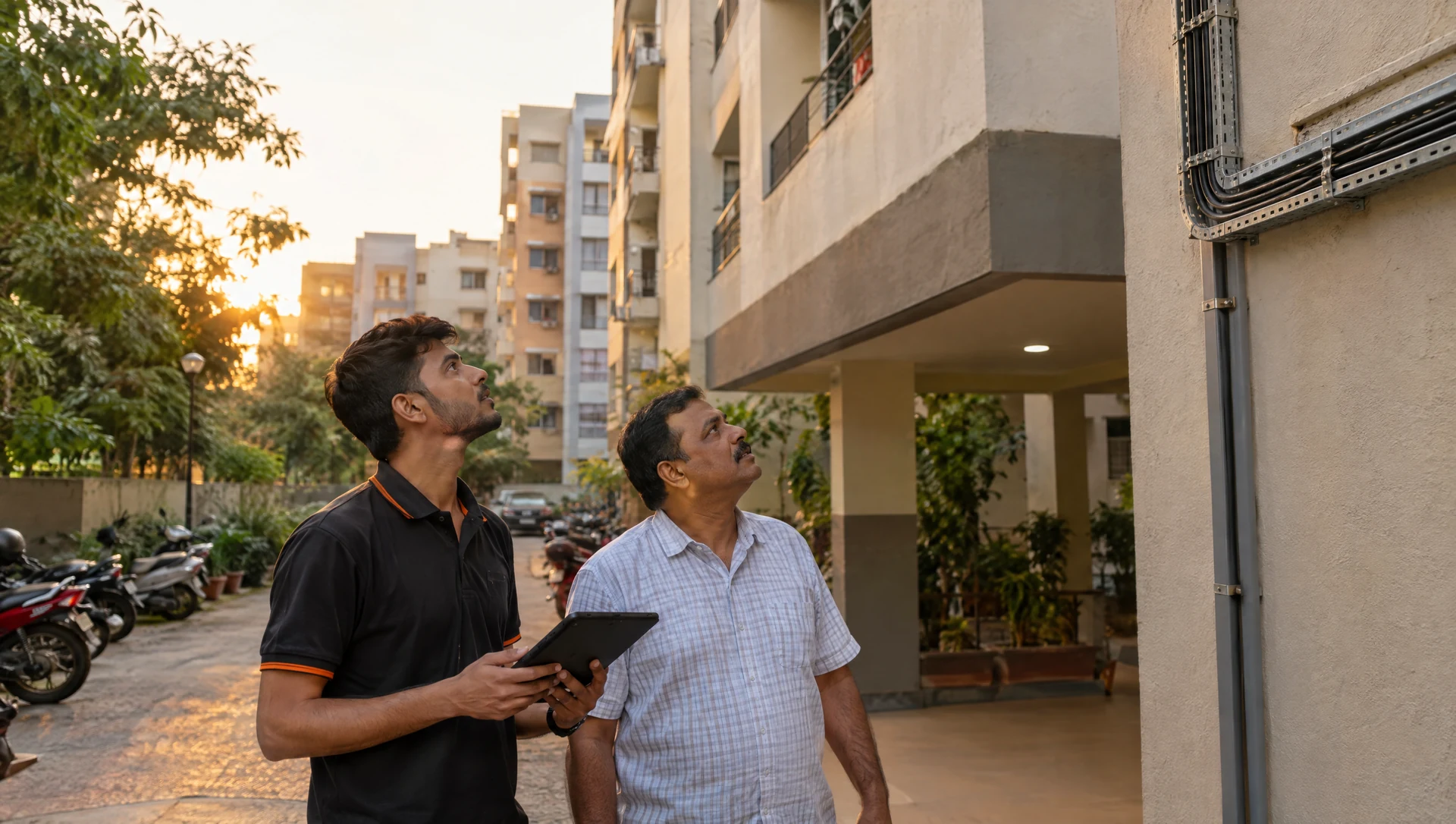
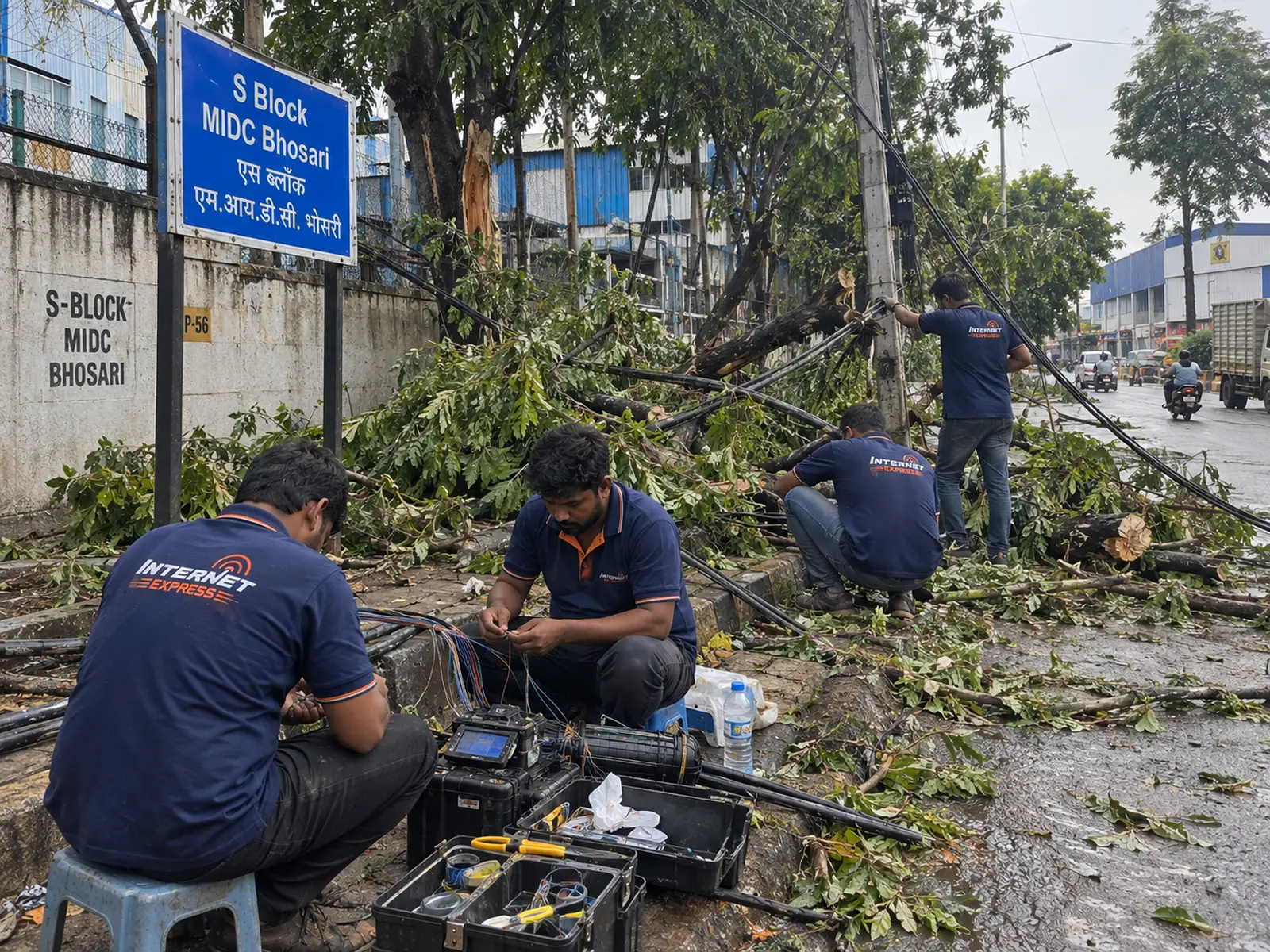
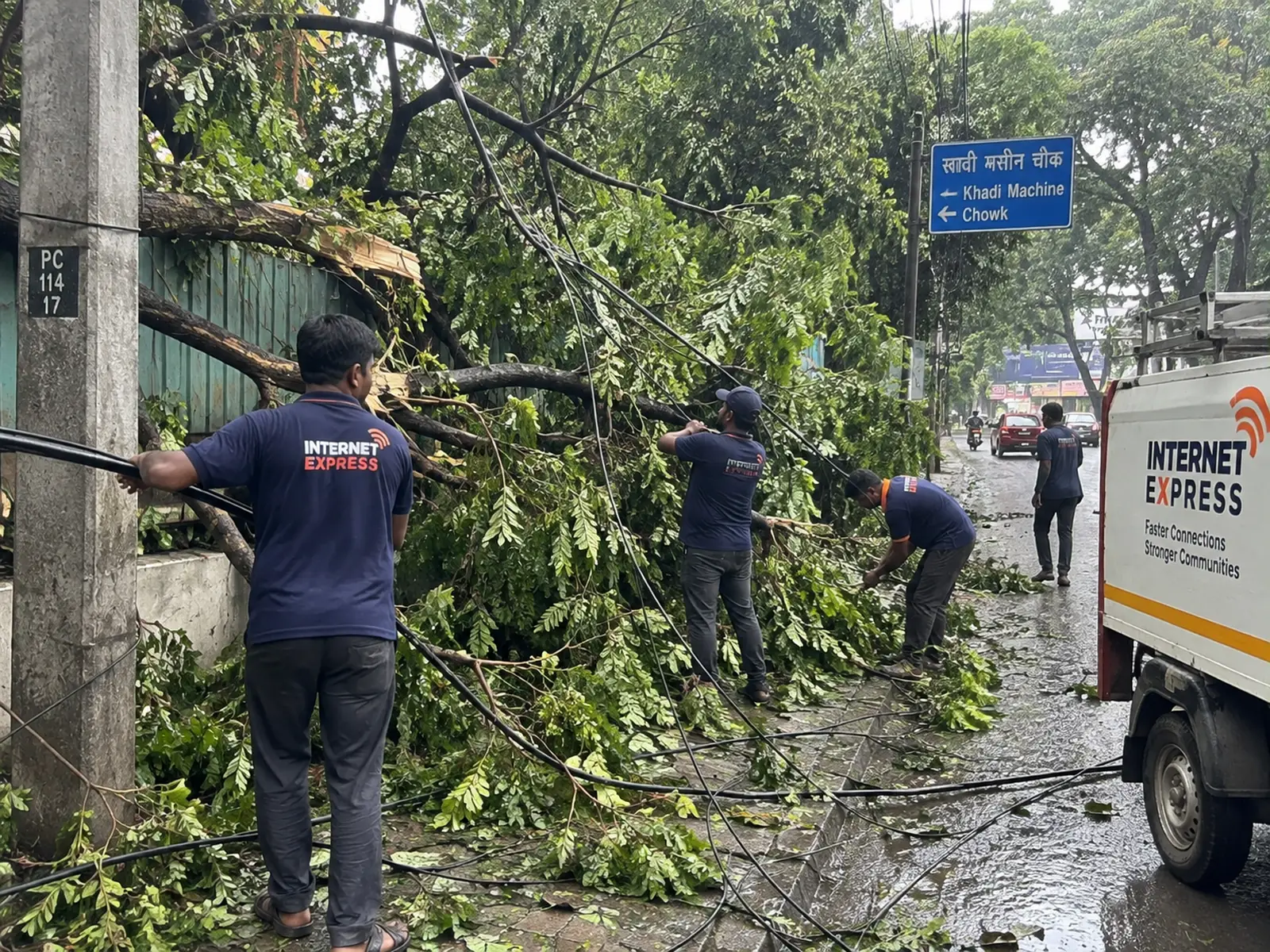
Most people start with the plan: how many Mbps, how much a month. That is the right question — but it is the second one. The first is whether fibre can reach your building cleanly. In Pune and Pimpri-Chinchwad, society access, the nearest distribution point and the internal cable route all decide what can actually be installed, and when.
Why the area name is not enough
We serve 13 listed neighbourhoods across Pune and PCMC. A listed area is a starting point, not a guarantee for every address in it. Two societies on the same road can be very different: one may already have a distribution point and a clean riser, the other may need a new route, society permission or extra work. That is why we check the building, not the pincode.
What to send when you ask
- Full building or society name — and the wing or tower.
- Locality — for example Moshi, Dighi or Chinchwad.
- A nearby landmark — a temple, school, chowk or well-known shop.
- Your flat's floor, if you know the building has more than one riser.
That gives the team enough context to check the route before promising a date, and avoids mixing up nearby societies with similar names.
What the team checks
- The nearest distribution point. How far is it, and does it have capacity?
- The entry into the building. Is there an existing duct or route, and does the society require written permission?
- The internal route. Riser, corridor and the point where the fibre enters your flat.
If the building can be reached with a standard run, you get a date. If it needs extra work, that is explained and agreed before anything is scheduled. If it cannot be reached, you are told plainly rather than given a date that slips. The installation policy sets this out.
Then choose speed for real use
Once the route is confirmed, pick a plan for how your household actually uses the internet:
- How many people are online at the same time in the evening.
- Video calls and work from home — these depend on upload as much as download. Our home plans have equal upload and download speeds.
- Streaming — several 4K screens at once need more headroom than one.
- Uploads and backups — cloud backups, content creation and large files.
Home plans run from 50 to 400 Mbps, from ₹599 a month including GST. Compare plans or use the plan helper on that page.
And place the Wi-Fi with intent
A fast line only feels fast if Wi-Fi reaches where you use it. Keep the router open and central where possible; walls and distance affect wireless coverage more than the plan does. Decide the router spot during installation, not after. Our router placement guide explains how.
The short version
Route first, then speed, then Wi-Fi placement. Get those three right and the plan you pay for is the speed you feel. Check your building address — send the full building name, wing, locality and a landmark, and the team will confirm the route.